

No Game / No Referrer In WINBOX APP?
Because you have not bound the referrer
Please follow the steps below
-
Step 1 : Go to "Me"
-
Step 2 : Click "Setting"
-
Step 3 : Select "Referrer"
-
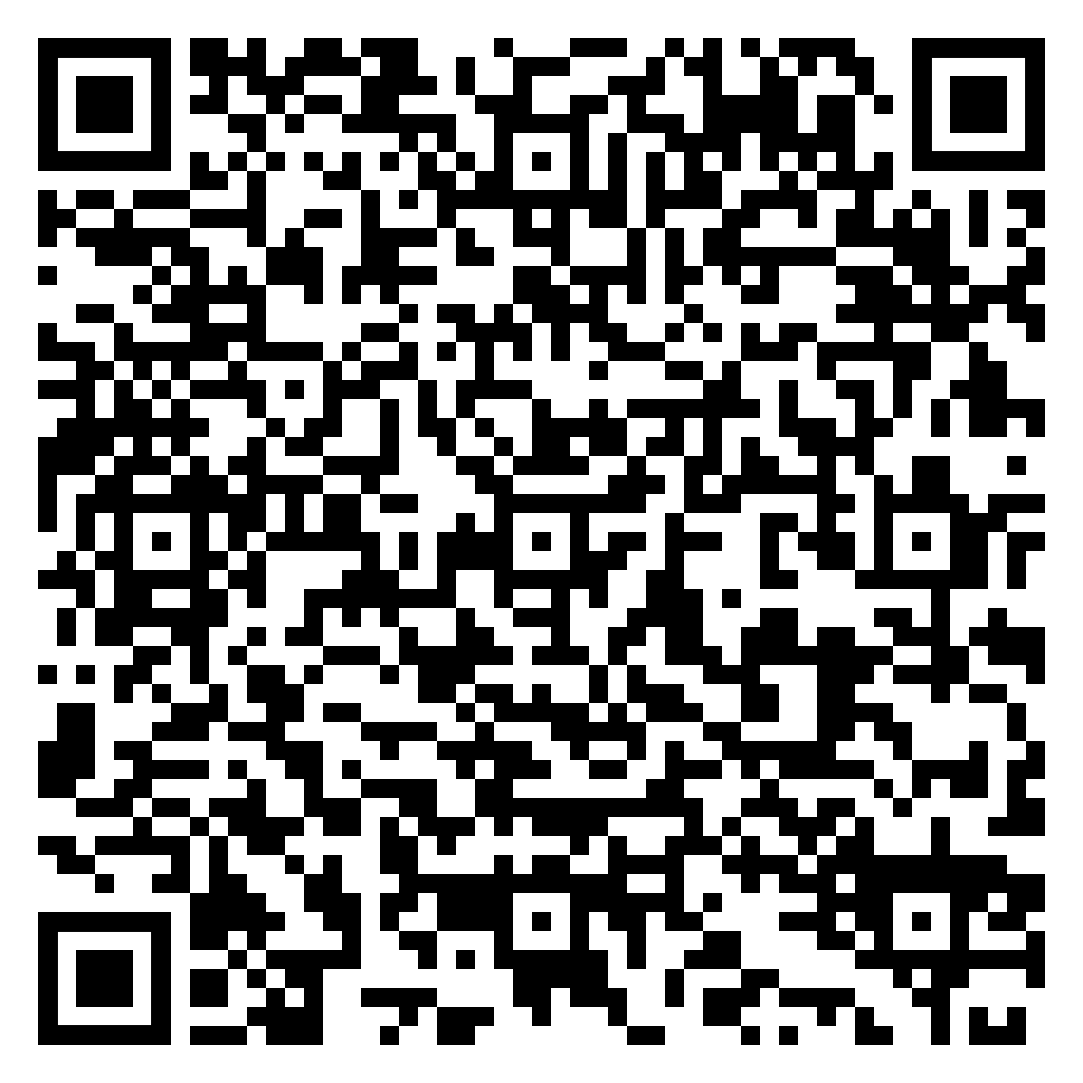
Step 4 : Export the Referrer QR code from album or direct scan the QR code
-
Step 5 : Click "Next"


Winbox Referrer Guide
Winbox Refer and Earn is an option that allows users to invite friends or other people to join the platform. When a referral meets the required conditions, the account may receive an eligible reward according to the current Winbox referral terms.
The Winbox Referrer feature helps users connect their account with a referrer. This page explains the basic process in simple steps, so new users can understand how referrer binding works.
What Is a Winbox Referrer?
A referrer is an account or user that can be connected to your Winbox account. If you have received a referrer ID or QR code, you can use the available referrer option in your account.
How to Bind a Referrer
Follow the steps below to connect a referrer to your Winbox account:
-
Open the Winbox app and log in to your account.
-
Go to the “Me” section.
-
Open the “Setting” option.
-
Select the “Referrer” section.
-
Scan the referrer QR code or use the available referrer information.
-
Check the details and continue with the binding process.
Using a Referrer QR Code
A QR code can make the referrer process easier. You can scan the code with your mobile device instead of entering the information manually. Always check the details before confirming.
Important Referrer Tips
-
Use the correct referrer information.
-
Check the referrer details before confirming.
-
Do not share your account password.
-
Use QR codes from trusted sources.
Need Help?
If you cannot bind a referrer or the option does not work, check your account settings first. If the problem continues, use the available Winbox support options for further help.
